



Superfile: Finder Was Never for Power Users
github.com/yorukot/superfile | License: MIT
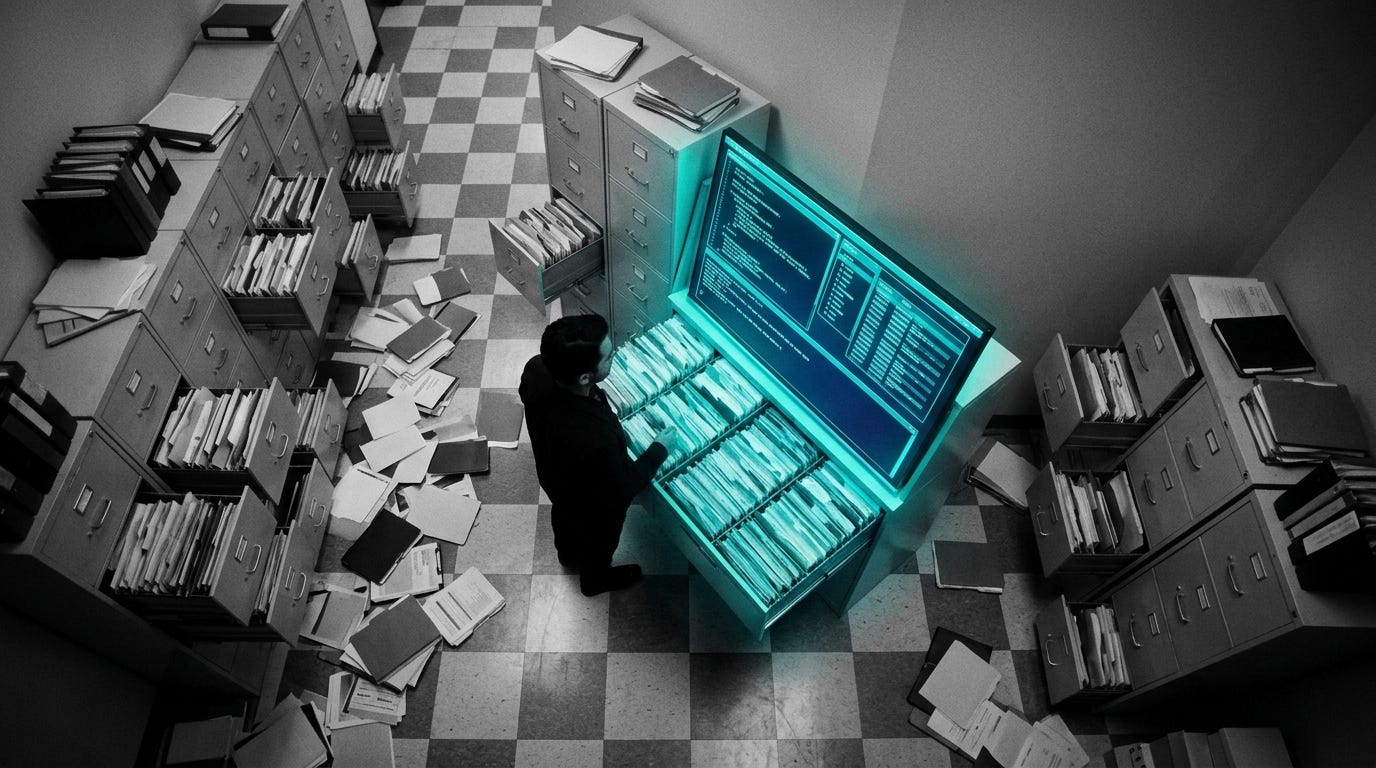
Dragging files around in a glossy desktop window feels fine until the job gets annoying: batch renames, archive extraction, hopping across deep folders, moving assets between drives, keeping context while doing all of it fast. That’s where default file explorers start feeling weirdly underpowered. Superfile goes after that exact pain, but without the retro ugliness that usually comes with terminal tools. The pitch is simple and surprisingly sharp: keep the speed and keyboard flow of a terminal file manager, then make it look and behave like software built this decade.
The Drop: The File Manager Tax Nobody Asked For
Desktop file managers still assume point-and-click is the safest default, even when the work is repetitive, spatial, and painfully mechanical. Open a downloads folder, sort through screenshots, unzip assets, move a few things into project directories, jump back three levels, repeat. That workflow burns time not because file operations are hard, but because the interface keeps breaking momentum.
Superfile exists because terminal file managers have historically solved the speed problem while introducing a taste problem. They’re often dense, cryptic, and visually indifferent to anyone who didn’t grow up memorizing hotkeys. Meanwhile, Finder and File Explorer are friendlier, but they flatten serious work into endless clicking. That gap matters more than it sounds. File organization is one of those hidden workflows that touches design, content ops, data wrangling, even solo founder life.
What’s frustrating is that the terminal already has the right ergonomics for this category. Persistent keyboard control, immediate feedback, no floating windows, no pointer travel. Honestly, the missing layer was product design. Superfile treats file management as something worth polishing, not just surviving.
The Stack: Go, but Make It Feel Designed
Under the hood, Superfile is built in Go, with Bubble Tea driving the terminal UI and Lip Gloss handling styling and layout. That combination matters because Bubble Tea gives the app a structured event loop, while Lip Gloss turns terminal rendering into something closer to interface design than plain text decoration.
The Sauce: A Terminal UI That Behaves Like an App
Charm’s Bubble Tea model is the architectural bet here, and it’s the reason Superfile feels coherent instead of gimmicky. Bubble Tea uses a message-driven update loop, which means navigation, file operations, prompts, progress updates, and modal states all flow through a single interaction model. In plain English, Superfile is not just drawing text in a terminal, it’s managing interface state like a proper app.
That matters because file management gets messy fast. Copying, moving, compressing, extracting, previewing metadata, handling deletes, tracking panel movement, and surfacing prompts can easily turn into spaghetti if each action is bolted on separately. Superfile avoids that by treating the terminal as a render target for a stateful UI system. The architecture supports panels, modals, and progress feedback that stay predictable even while background operations are happening.
A second smart choice is the project’s config-driven customization. Themes, hotkeys, icons, and startup behavior are externalized rather than buried in code. That gives Superfile a lightweight plugin-adjacent quality without forcing a full extension marketplace. For users, the result is flexibility. For the maintainer, the result is a product surface that can evolve without hardcoding every preference war.
The interesting part is not that Superfile looks pretty. Plenty of terminal apps can fake that. The interesting part is that the interface logic has enough structure to support polish sustainably. That’s why the repo feels more like a product than a hobby TUI.
The Move: Turn Terminal Time Into Actual Throughput
A clean use case shows up fast: anyone touching large volumes of files every day can make Superfile the default layer between download chaos and organized work. Designers can sort assets and exports faster. PMs dealing with screenshots, docs, and research dumps can stop context-switching between windows. Founders juggling local prototypes, pitch decks, and customer files get a tighter loop.
One practical edge is that Superfile can become part of a broader shell workflow instead of replacing it. Because it lives in the terminal, it sits naturally next to Git, package managers, SSH sessions, and local scripts. That means file movement stops being a separate desktop ritual and becomes part of the same workspace where the rest of the work already happens. That’s useful.
There’s also a training effect. Teams that adopt keyboard-first tooling tend to accumulate speed in weirdly compounding ways. Fewer interruptions, less pointer travel, more repeatable navigation patterns. Superfile is a good wedge into that behavior because the learning curve is lower than older terminal file managers, and the visual clarity makes habits stick.
The Aura: Taste Changes Adoption
People will tolerate ugly infrastructure right up until a better-looking version proves the ugliness was never necessary. That’s the deeper thesis here. Superfile lowers the social and psychological barrier to terminal-native work by making competence feel inviting instead of punishing.
A tool like this changes who adopts keyboard-centric workflows. Not just hardcore terminal loyalists, but designers, operators, students, and general tech people who always suspected command-line productivity was real, yet bounced off the aesthetics. That shift matters. Once the terminal starts feeling like a designed environment, not a developer hazing ritual, expectations change across the whole category.
The Play: A Consumerized Power Tool With Real Pull
From a VC lens, Superfile is not a pure 0-to-1 category creation. File managers are ancient. The opportunity is a better mousetrap inside a giant, under-monetized workflow layer that sits across prosumer computing, developer tooling, and enterprise endpoint productivity. TAM is broader than it looks because file handling is universal, and the wedge can expand into sync, search, automation, collaboration, or premium workflow packs.
The repo does show early PMF signals: 20,000+ stars in a short window, active docs around themes and plugins, and clear community energy. The moat today is execution speed and product taste, not network effects or proprietary data. That sounds thin, but sticky behavior change around daily navigation tools can create strong retention and low CAC if distribution stays community-led.
Winners:
Warp: Cleaner terminal-native file workflows increase time spent inside the terminal, and that compounds for a startup selling the terminal as the workspace.
Tailscale: More users treating terminals as their operational home boosts demand for dead-simple remote access between machines and environments.
Microsoft: Better terminal UX broadens Windows power-user adoption of keyboard-first tools, which strengthens the value of Windows as a flexible work platform.
Losers:
Files: Differentiation around making file management prettier on desktop erodes when terminal-first alternatives become more approachable and culturally legible.
Dropbox: Passive folder sync looks less central when users increasingly want active, local-first control over file workflows and organization.
Apple: Finder’s design-first but low-throughput approach looks older every time a terminal app proves speed and polish can coexist.
tl;dr
Superfile turns terminal file management into something fast, modern, and genuinely pleasant to use. What stands out is the stateful UI architecture behind the polish, not just the visuals. Anyone buried in downloads, assets, archives, or project folders should pay attention.
Stars: 20,045 | Language: Go
